
Want to spend less time in Xeroand more time on your business? It’s time to stop manually searching for transactions. ✋
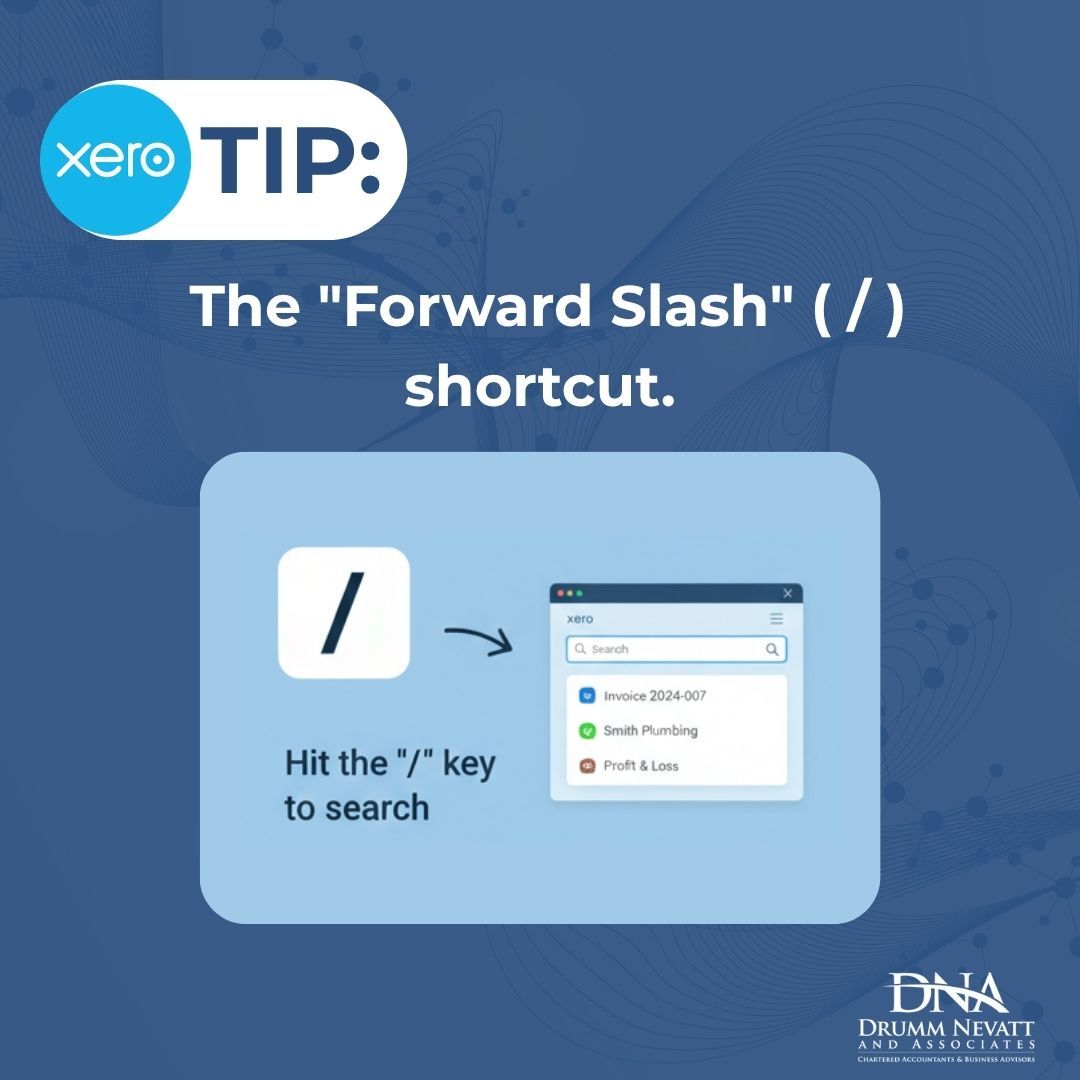
This month’s Power User Tip is all about the "Forward Slash" ( / ) shortcut.
Next time you’re on your Xero dashboard, just hit the / key on your keyboard. This instantly opens the global search bar, allowing you to:
🔍 Find an Invoice: Type the number or the client's name to jump straight to it.
👤 Locate a Contact: Search for a supplier without clicking through the contact menu.
📊 Jump to a Report: Type "Profit" or "Balance" to pull up your financials in seconds.
It seems small, but if you do this 20 times a day, you’re saving hours of clicking and scrolling every month.
Bonus Tip: While you’re in there, use the "C" key to quickly create a new contact or "I" for a new invoice.
Efficiency is the name of the game. Let us know in the comments: What’s your favourite Xero shortcut? 👇✨
#XeroTips #BookkeepingMadeEasy #DNACA #SmallBusinessNZ #CloudAccounting #AccountingHacks #Efficiency
This month’s Power User Tip is all about the "Forward Slash" ( / ) shortcut.
Next time you’re on your Xero dashboard, just hit the / key on your keyboard. This instantly opens the global search bar, allowing you to:
🔍 Find an Invoice: Type the number or the client's name to jump straight to it.
👤 Locate a Contact: Search for a supplier without clicking through the contact menu.
📊 Jump to a Report: Type "Profit" or "Balance" to pull up your financials in seconds.
It seems small, but if you do this 20 times a day, you’re saving hours of clicking and scrolling every month.
Bonus Tip: While you’re in there, use the "C" key to quickly create a new contact or "I" for a new invoice.
Efficiency is the name of the game. Let us know in the comments: What’s your favourite Xero shortcut? 👇✨
#XeroTips #BookkeepingMadeEasy #DNACA #SmallBusinessNZ #CloudAccounting #AccountingHacks #Efficiency
Shared byJamie Tan - 25 days ago
Log in to comment
Loading ..
Related Articles

Align Your Budget with Business Strategy for Success
Gain Business Clarity: Proactive Planning Sessions for Business Owners
Conduct a Comprehensive Business Health Check for Sustainable Growth

Networking and Learning at The Click Event: DNA's Experience

Strategic Business Planning for a Successful 2027

Navigating 2026: Growth Strategies for New Zealand Businesses
0/100