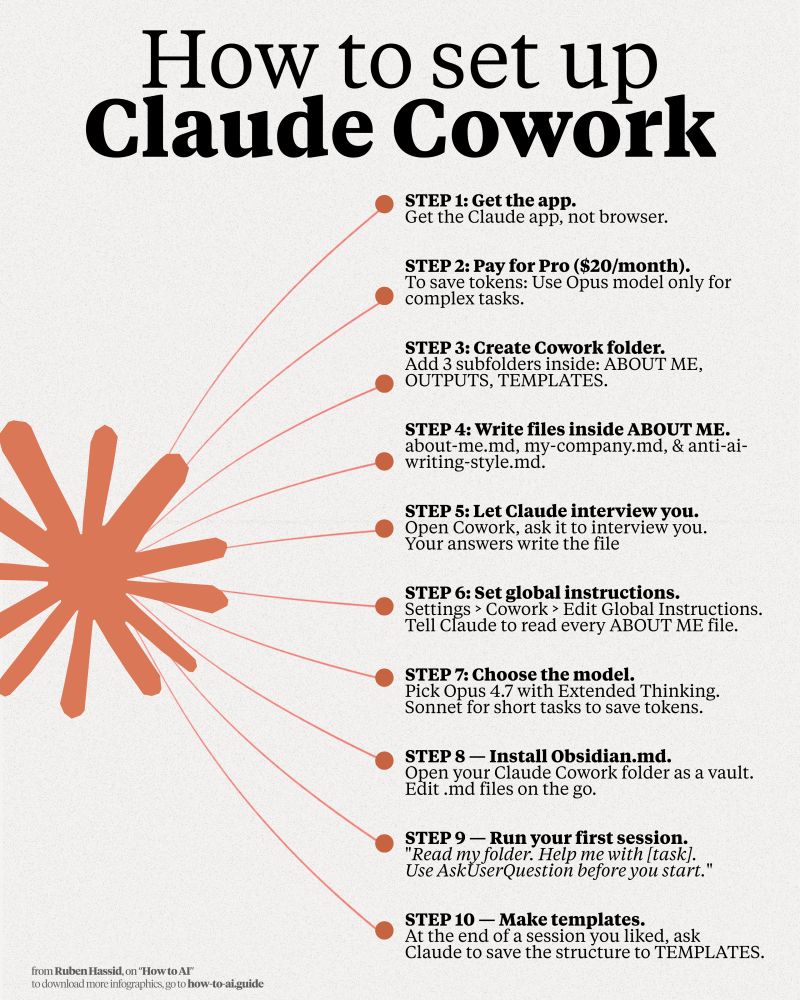

Save this Cowork setup before your next session:
Step 1. Get the Claude app, not the browser.
Step 2. Pay $20/month for Pro. Skip the $100 plan.
Step 3. Create a folder named "Claude Cowork".
Step 4. Subfolders: About me, Outputs, Templates.
Step 5. In ABOUT ME, 3 subfolders: about-me, my-company, anti-ai-writing style .md files.
Step 6. Let it interview you with AskUserQuestion.
Step 7. Dictate your answers with Wispr. ai (faster)
Step 8. It should be under 2,000 words.
Step 9. Settings → Cowork → Global Instructions.
Paste: "Always read files in 'About Me' before tasks"
Step 10. Pick Opus 4.7 + Extended Thinking.
Step 11. Write a 1-line prompt. It already knows you.
By the way, to download my (exact) .md files:
Step 1. Go to how-to-ai.guide.
Step 2. Subscribe for free. Don't pay anything.
Step 3. Open my welcome email.
Step 4. Hit the automatic reply button inside.
Step 5. In the second email, trace the notion link.
Step 6. Open the ".md files" folder on Notion.
Step 7. Download my .md files. Upload to Claude.
♻️ Repost this so they finally try Cowork.
#cowork #productivity #workflow #ClaudeApp #AIwriting
Step 1. Get the Claude app, not the browser.
Step 2. Pay $20/month for Pro. Skip the $100 plan.
Step 3. Create a folder named "Claude Cowork".
Step 4. Subfolders: About me, Outputs, Templates.
Step 5. In ABOUT ME, 3 subfolders: about-me, my-company, anti-ai-writing style .md files.
Step 6. Let it interview you with AskUserQuestion.
Step 7. Dictate your answers with Wispr. ai (faster)
Step 8. It should be under 2,000 words.
Step 9. Settings → Cowork → Global Instructions.
Paste: "Always read files in 'About Me' before tasks"
Step 10. Pick Opus 4.7 + Extended Thinking.
Step 11. Write a 1-line prompt. It already knows you.
By the way, to download my (exact) .md files:
Step 1. Go to how-to-ai.guide.
Step 2. Subscribe for free. Don't pay anything.
Step 3. Open my welcome email.
Step 4. Hit the automatic reply button inside.
Step 5. In the second email, trace the notion link.
Step 6. Open the ".md files" folder on Notion.
Step 7. Download my .md files. Upload to Claude.
♻️ Repost this so they finally try Cowork.
#cowork #productivity #workflow #ClaudeApp #AIwriting
Shared byEmerson Kim - 2 days ago
Log in to comment
Loading ..
Related Articles
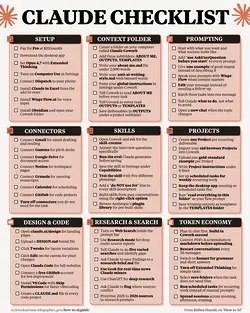
Ultimate 1-Page Checklist to Master Your Use of Claude AI
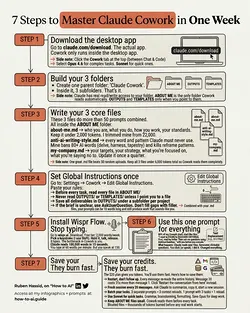
Quick Setup Guide for Claude Cowork: Organize and Optimize in Minutes
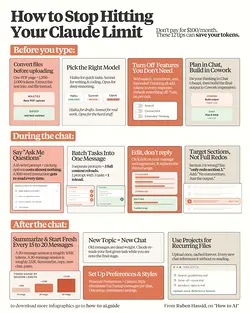
Save on Claude Max Plan: 12 Token-Saving Hacks
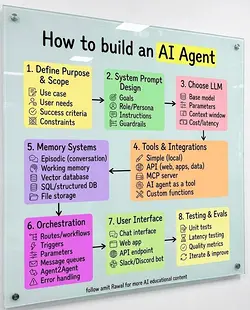
Beyond the LLM: The 7 Steps to Build a Reliable AI Agent
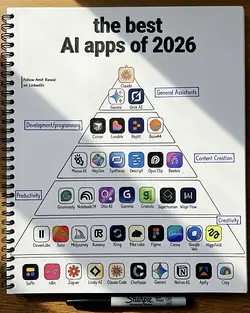
Top AI Tool Stack of 2026: Must-Haves for Assistants, Developers, and More
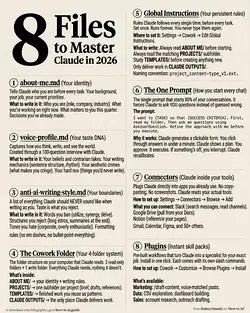
Mastering AI Efficiency: The Top 1%'s Secret 8-File Setup
2486
0/100